Mobile devices are central to how many of us live and work. From checking email to banking, these devices connect us to vast amounts of information. However, this convenience comes with significant security considerations. Protecting your phone's connections is essential to prevent data theft, privacy breaches, and other cyber threats.
When you use your phone, data travels across various networks. Each point along this path can be a potential vulnerability. Understanding these risks and implementing effective security measures is not just for security professionals; it's a necessity for everyone.
Understanding Mobile Connection Risks
Mobile connections face several common threats. Public Wi-Fi networks, often found in cafes, airports, and hotels, are particularly risky. These networks are frequently unsecured, allowing attackers to easily intercept unencrypted data. A common attack is the man-in-the-middle (MitM) attack, where an attacker positions themselves between your device and the network, silently reading or modifying your communications.
Cellular networks, while generally more secure than public Wi-Fi, are not immune. Although less common, sophisticated attacks like IMSI catchers (often called "Stingrays") can mimic legitimate cell towers to intercept calls, texts, and data. These devices force phones to connect to them, allowing for surveillance. Additionally, vulnerabilities in signaling protocols, such as SS7, have historically exposed some cellular communications to interception. These are advanced threats, but they highlight the need for robust protection.
Beyond network infrastructure, applications on your phone can introduce risks. Many apps request extensive permissions, potentially accessing sensitive data like your location, contacts, or microphone. Insecurely developed apps can also leak data or contain vulnerabilities that attackers can exploit. Regular review of app permissions and only installing applications from trusted sources are basic but critical steps. Tools like Zondex can illustrate how easily exposed internet services and devices can be found, underscoring the broad attack surface present in connected systems, including those that might interact with your mobile device.
How VPNs Secure Mobile Connections
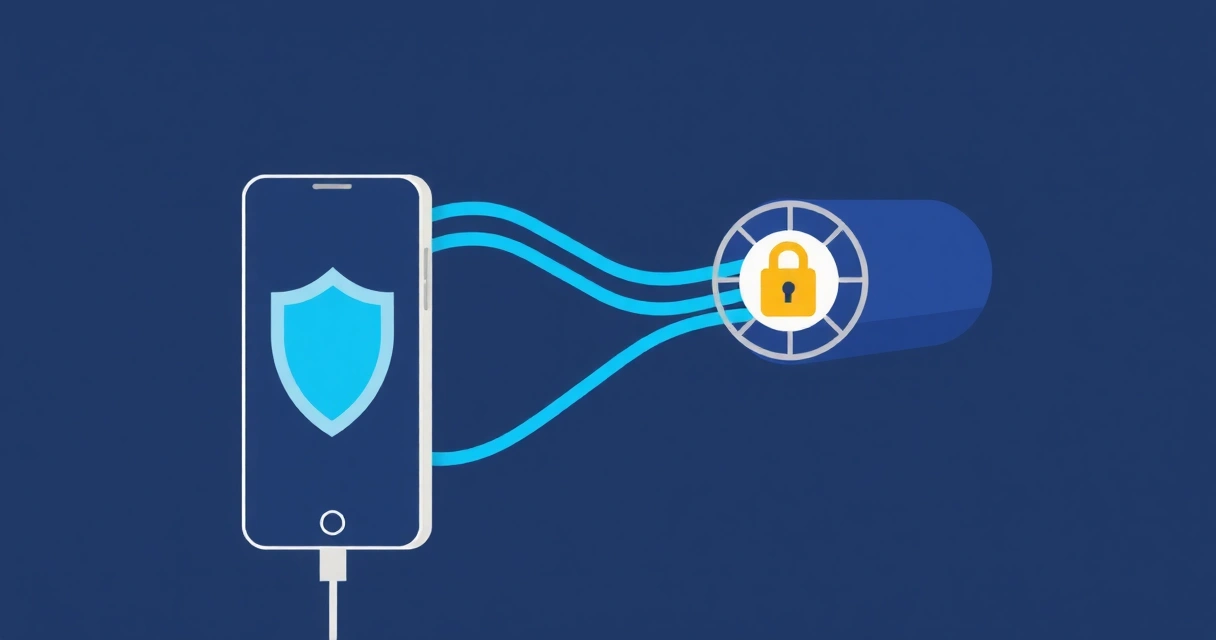
A Virtual Private Network (VPN) creates an encrypted tunnel between your mobile device and a VPN server. All data passing through this tunnel is encrypted, making it unreadable to anyone intercepting the connection. This is the primary defense against snooping on public Wi-Fi or even by your Internet Service Provider (ISP) or mobile carrier.
Beyond encryption, a VPN masks your real IP address. Instead, your online activity appears to originate from the VPN server's IP address. This helps protect your geographical location and makes it harder for websites and online services to track your browsing habits across different sites. For mobile users, this means enhanced privacy, especially when traveling or using various networks.
WireGuard is a modern VPN protocol that offers significant advantages for mobile security. It is designed to be lean, fast, and cryptographically sound. Its simpler codebase, compared to older protocols like OpenVPN or IPSec, means a smaller attack surface and easier auditing. This efficiency translates to better battery life and faster connection speeds on mobile devices, without compromising security. Services like VPNWG specialize in providing WireGuard VPN, offering a secure and efficient option for mobile users.
Implementing and Configuring a Mobile VPN
Choosing a reputable VPN provider is the first step. Look for providers with a strict no-logs policy, audited security practices, and support for the WireGuard protocol. Once chosen, the setup process for a mobile VPN is generally straightforward.
Most VPN providers offer dedicated apps for iOS and Android. These apps simplify the configuration:
- Download the VPN app from your device's official app store (Apple App Store or Google Play Store).
- Install the app and log in with your account credentials.
- The app will guide you through granting necessary permissions, such as adding VPN configurations to your system settings.
- Select a server location and connect.
For advanced users or those setting up a custom WireGuard connection, you might directly import a configuration file. A typical WireGuard configuration for a mobile client looks like this:
[Interface]
PrivateKey = YOUR_PRIVATE_KEY_HERE
Address = 10.0.0.2/24
DNS = 1.1.1.1, 8.8.8.8

[Peer]
PublicKey = SERVER_PUBLIC_KEY_HERE
Endpoint = vpn.example.com:51820
AllowedIPs = 0.0.0.0/0, ::/0
PersistentKeepalive = 25
In this configuration:
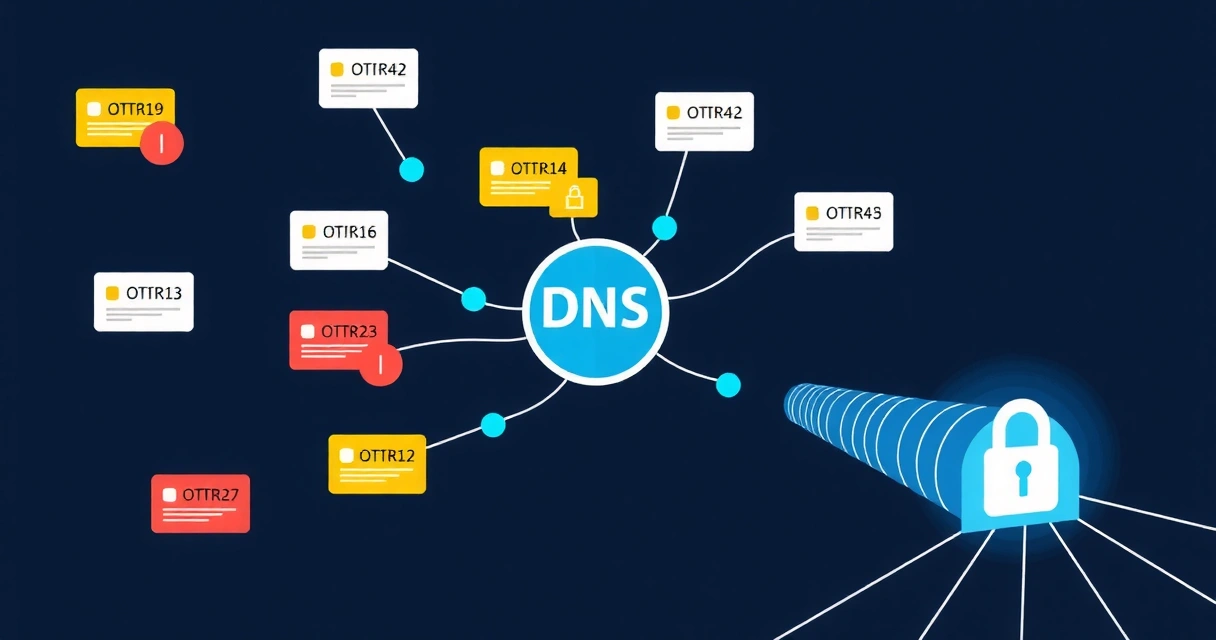
PrivateKeyis your device's unique private key.Addressis the IP address assigned to your device on the VPN tunnel.DNSspecifies the DNS servers to use when connected.PublicKeyis the public key of the VPN server.Endpointis the server's IP address or hostname and port.AllowedIPs = 0.0.0.0/0, ::/0routes all IPv4 and IPv6 traffic through the VPN.PersistentKeepalivesends a small packet periodically to keep the NAT firewall open, which is useful for mobile networks that might aggressively close connections.
PrivateKey and PublicKey from your VPN provider or generate them yourself if running your own server.
Consider using split tunneling if your VPN client supports it. This feature allows you to route only specific app traffic through the VPN while other apps connect directly. For example, you might route your banking app through the VPN for maximum security, but allow a local news app to connect directly for faster access to local content. This can be particularly useful for business professionals using BiizTools or other business productivity applications that might require specific network routing or low latency.
Beyond the VPN: Comprehensive Mobile Security
While a VPN is a critical component of mobile security, it is not a standalone solution. A layered approach provides the most robust protection:
- Keep Software Updated: Regularly update your phone's operating system and all installed applications. Updates often include critical security patches that fix vulnerabilities.
- Review App Permissions: Periodically check which permissions your apps have. Revoke any permissions that seem excessive or unnecessary for an app's function. For instance, a calculator app does not need access to your camera or microphone.
- Strong Device Authentication: Use strong passcodes, fingerprints, or facial recognition to secure your device. Ensure your lock screen settings are configured to lock quickly after inactivity.
- Device Encryption: Most modern smartphones encrypt your data by default. Verify that this feature is enabled to protect your data if your device is lost or stolen.
- Be Wary of Phishing and Malware: Exercise caution with suspicious links, unsolicited messages, and email attachments. Mobile phishing attacks are common and aim to trick you into revealing sensitive information or installing malicious software.
- Secure Browsing Habits: Use secure browsers and consider browser extensions that block trackers and ads. Always check for HTTPS in website addresses to ensure encrypted communication.
Combining these practices with a reliable VPN, such as those offered by VPNWG, creates a strong defense against a wide range of mobile threats. Protecting your mobile connections is an ongoing effort that requires vigilance and the right tools.
Frequently Asked Questions
Does a VPN slow down my phone's internet speed?
A VPN can introduce a slight overhead due to encryption and routing traffic through an additional server. However, modern VPN protocols like WireGuard are highly efficient and often result in minimal speed reduction. The impact on speed also depends on the distance to the VPN server and the server's load. For most daily tasks, the speed difference is negligible, and the security benefits outweigh any minor slowdown.
Can my mobile carrier still see my activity if I use a VPN?
When you use a VPN, your mobile carrier can see that you are connected to a VPN server's IP address. However, they cannot see the content of your encrypted traffic or the websites you visit. All the data within the VPN tunnel is unreadable to them. Your IP address is masked by the VPN server's IP, providing privacy from your carrier's monitoring.
Is it safe to use a free mobile VPN?
Many free VPN services come with significant compromises. They may collect and sell your data, display intrusive ads, or have weak encryption and slow speeds. Some free VPNs have even been found to contain malware. For reliable security and privacy, it is generally safer to use a reputable paid VPN service that transparently outlines its privacy policy and security practices.